Našimi kurzy prošlo více než 10 000+ účastníků
2 392 ověřených referencí účastníků našich kurzů. Přesvědčte se sami

The Distinct functions works in Power Apps quite predictably – I mean analogically to DAX or SQL.
For example you can use it to create a selection menu – like now you can select a color from this table:

Insert a ComboBox control. As items you can simply use a column, but then these items are seen duplicated:
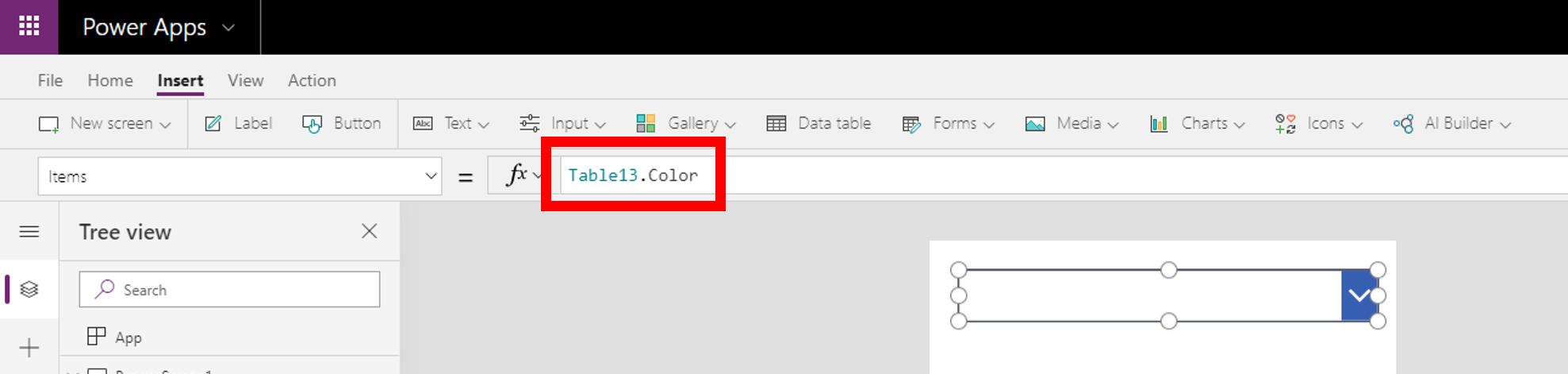
So let´s use the Distinct to wrap the column.
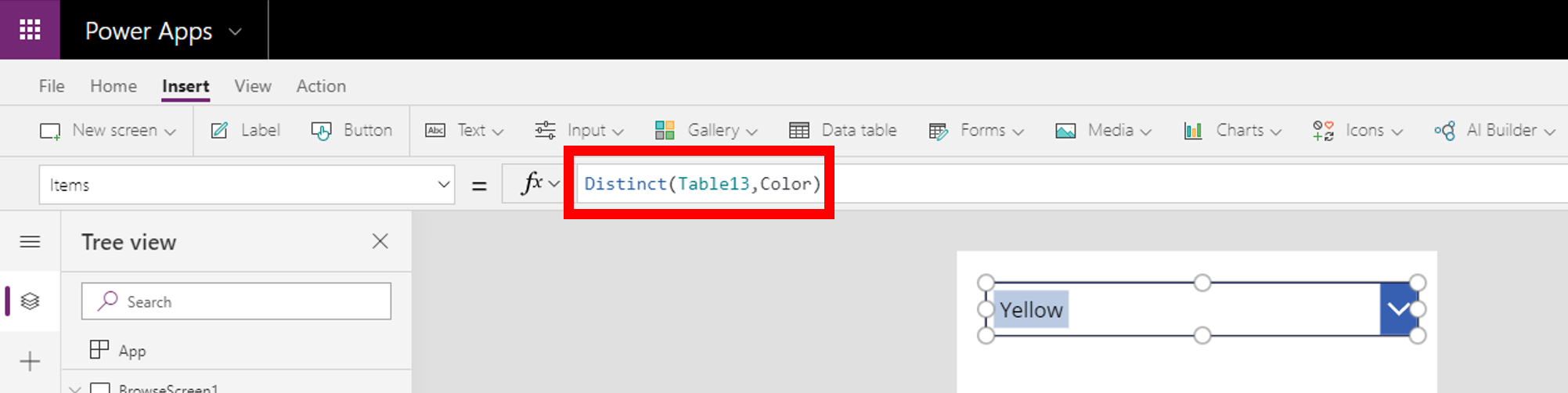
now you only see the list of unique values:


Pište kdykoliv. Odpovíme do 24h
© exceltown.com / 2006 - 2023 Vyrobilo studio bARTvisions s.r.o.